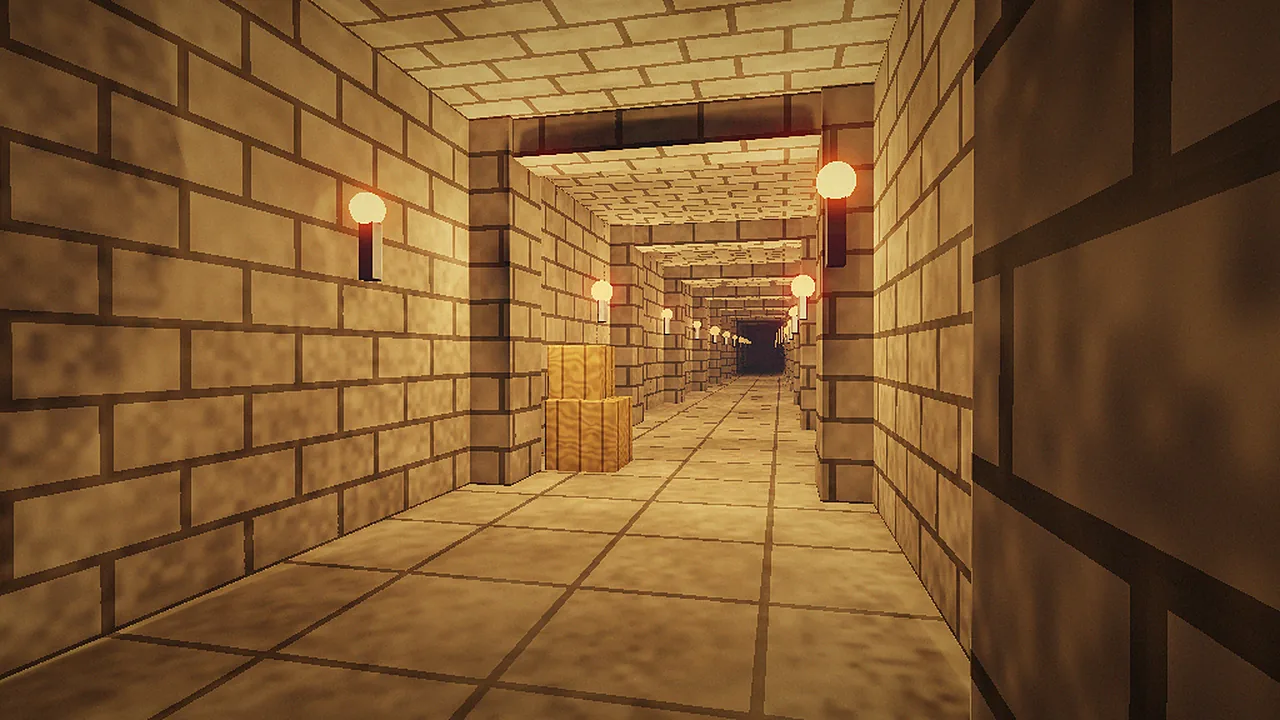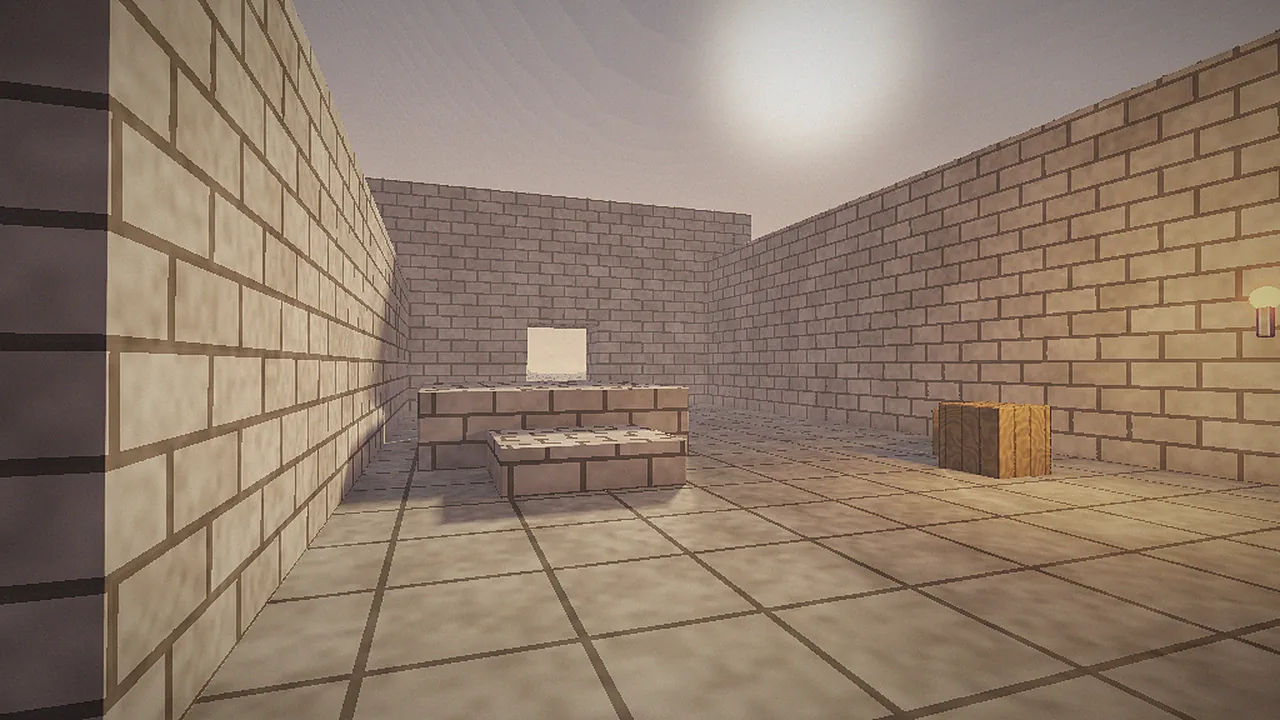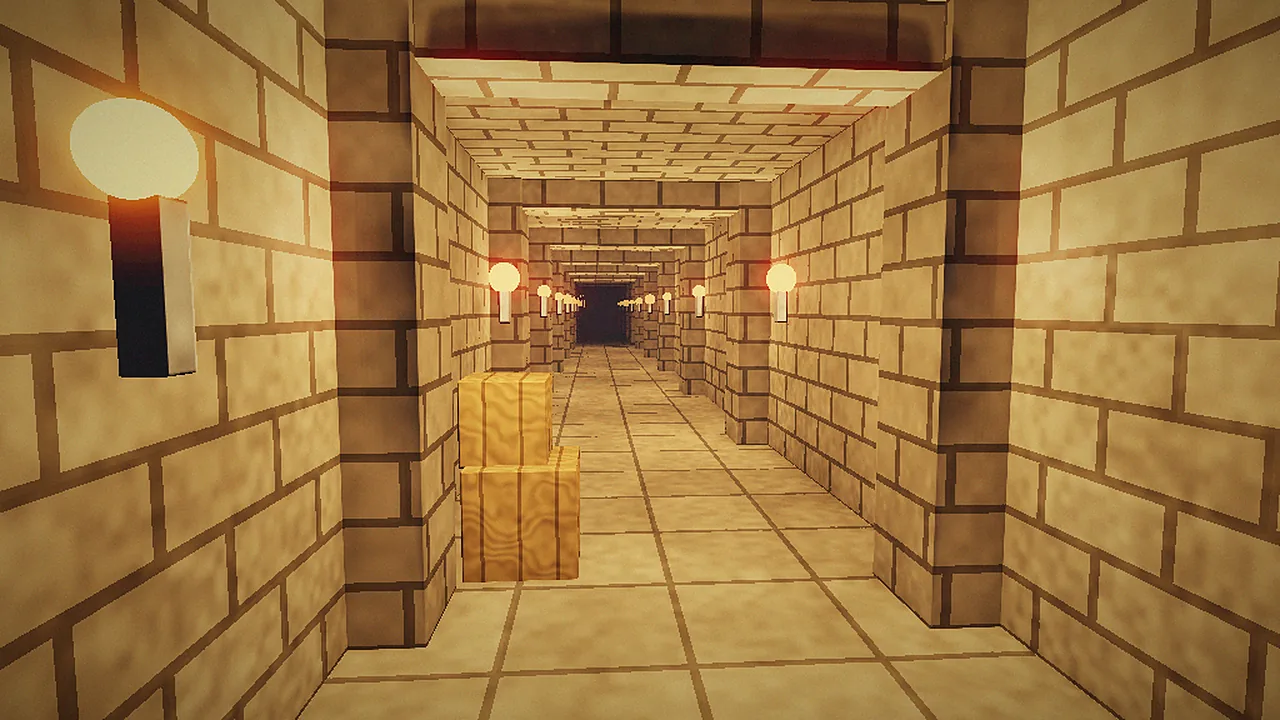
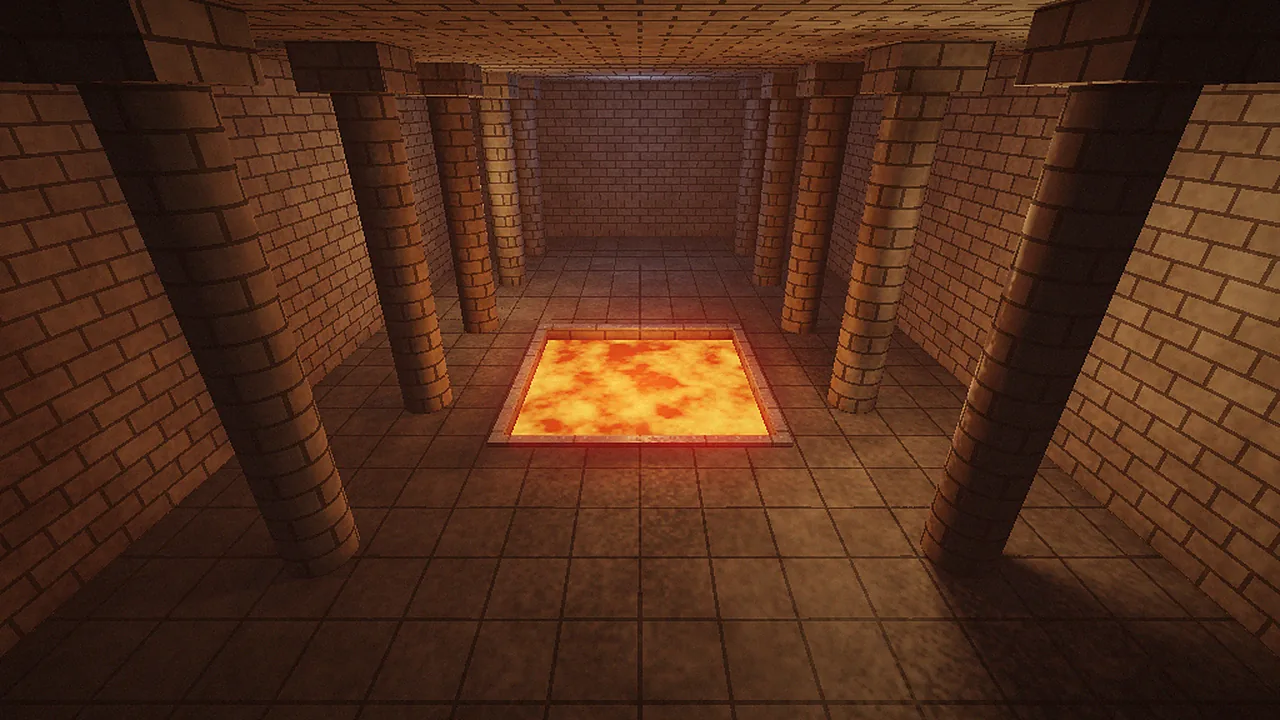
Quake is nearly thirty years old, so you might expect any modern PC to run it perfectly. Mostly it does, but the engine's settings still decide whether the game feels crisp or slightly off. vkQuake adds options the original never had, such as an uncapped frame rate that doesn't break physics, MSAA and ray-traced shadows. Here's how to set each one.
Max FPS: match your monitor
The original Quake ran its game logic at 72 frames per second, and older engines that went past that limit made movement and physics behave strangely. vkQuake separates rendering from physics, so you can raise the cap safely. Set Max FPS in the Video menu, or the host_maxfps console variable, to your monitor's refresh rate: 144, 165, 240 or higher.
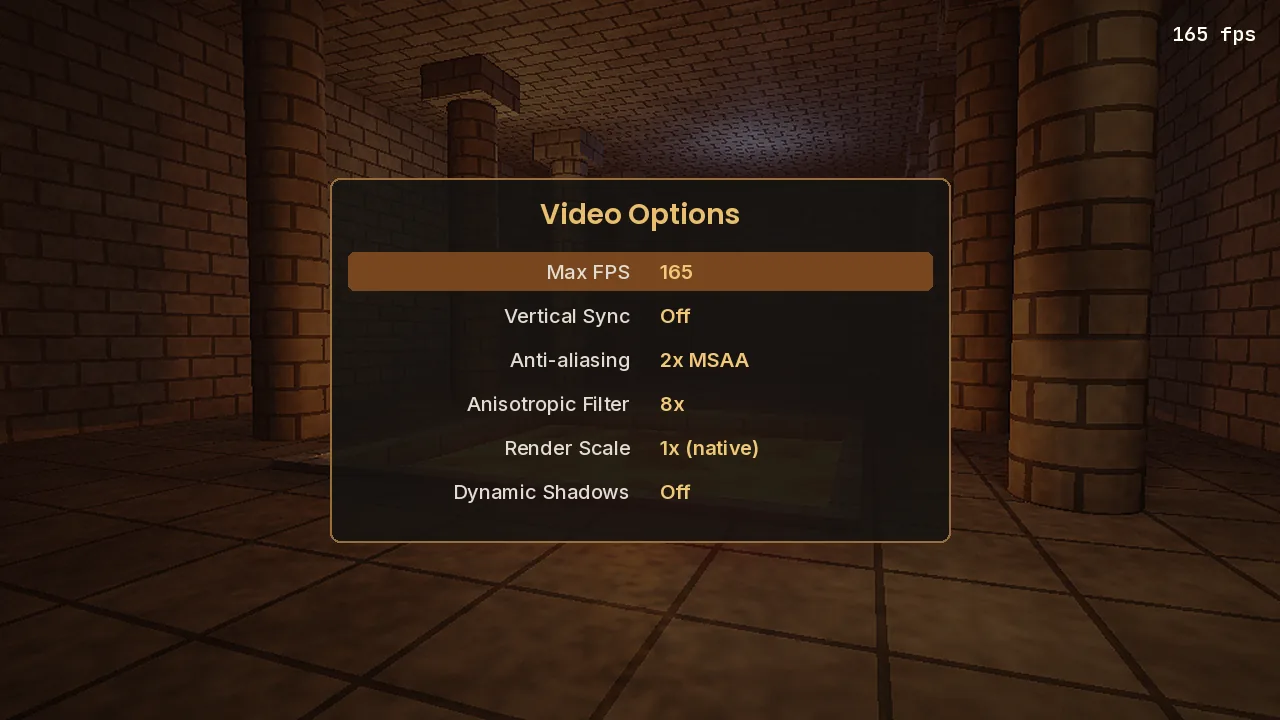
Turn on the frame counter with scr_showfps 1 to confirm you are hitting the cap. On most hardware made in the last decade, vkQuake stays at the limit in the original levels. Very large community maps are the exception, and that's where the next settings matter.
V-Sync or not?
With V-Sync off and the FPS cap matched to your refresh rate, input lag is lowest. If you notice screen tearing, either turn V-Sync on or, better, use a variable refresh rate monitor (G-Sync or FreeSync) with the cap set a few frames below the maximum, for example 160 on a 165 Hz display.
Anti-aliasing and texture filtering
vkQuake supports native multisample anti-aliasing. 2x or 4x MSAA smooths the jagged edges of Quake's geometry at very little cost on modern GPUs. Set anisotropic filtering to 8x or 16x so floor textures stay sharp at a distance. Both options are in the Video menu.
Purists who want the 1996 look can switch texture filtering to nearest-neighbour to keep the chunky pixels, raise Render Scale for a lower internal resolution, and turn on 8-bit color emulation. That combination looks remarkably close to the original software renderer while still running smoothly.
Dynamic shadows and lights
If your GPU supports hardware ray tracing (NVIDIA RTX, AMD Radeon RX 6000 or newer, Intel Arc), vkQuake can draw dynamic shadows. At medium or higher it also enables the dynamic lights the 2021 re-release placed in its maps. They look great in the remastered campaign, but they cost performance, so on a high-refresh monitor you may prefer them off or at low.
Recommended presets
| Setting | Competitive | Balanced | Showcase |
|---|---|---|---|
| Max FPS | Refresh rate | Refresh rate | Refresh rate |
| V-Sync | Off | Off (VRR on) | On |
| Anti-aliasing | Off | 2x MSAA | 4x or 8x MSAA |
| Anisotropic filter | 4x | 8x | 16x |
| Dynamic shadows | Off | Off or Low | Medium or High |
Other quality-of-life tweaks
Set your field of view with fov. 100 to 110 suits widescreen monitors. Raw mouse input is handled through SDL, so you only need to adjust sensitivity. If the underwater warp makes you queasy, the console variable r_waterwarp controls it. For a full list of useful variables, see our console commands guide.
All of these settings are saved to config.cfg when you quit. If you want to start fresh, delete that file and vkQuake will rebuild it with default values.