Press the tilde key (~, under Esc) and Quake's drop-down console appears. Almost every setting in vkQuake can be changed from there, often in more detail than the menus allow. This page groups the most useful commands and console variables (cvars) by purpose.
Console basics
Type a cvar's name on its own to see its current value, or add a value to change it: fov 105. Press Tab to auto-complete names, which is the fastest way to discover commands. cvarlist and cmdlist print everything available, and adding a prefix filters the list, for example cvarlist r_.
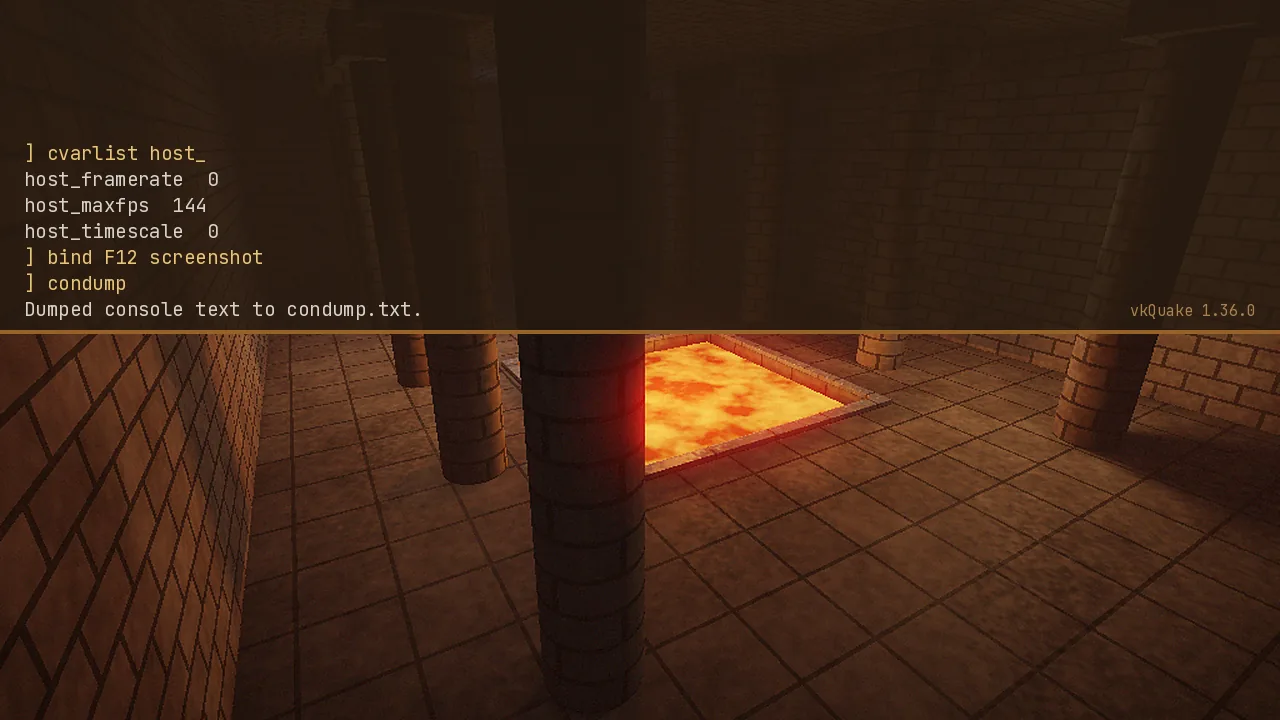
Video and performance
| Command or cvar | What it does |
|---|---|
host_maxfps 144 | Caps the frame rate. vkQuake keeps physics correct above 72. |
scr_showfps 1 | Shows a frame counter. |
vid_vsync 0 | Turns vertical sync off (1 turns it on). |
fov 105 | Sets the horizontal field of view. |
r_waterwarp | Controls the underwater distortion effect. |
vid_restart | Applies video changes without quitting. |
Not every cvar exists in every version, so if one isn't found, use Tab completion to find its current name.
Maps, mods and saves
| Command | What it does |
|---|---|
map e1m1 | Loads a map by its file name. |
game ad | Switches to a mod folder without restarting. |
skill 3 | Sets difficulty for the next map (0 Easy to 3 Nightmare). |
save mysave / load mysave | Saves or loads a named slot. |
maps | Lists the maps the engine can find. |
Key bindings
Bind any command to a key with bind. For example, bind F12 screenshot saves a screenshot to the game folder, and bind q "impulse 10" cycles weapons. Quake's defaults include F6 for quick save and F9 for quick load. Use unbind to clear a key and bindlist to review everything.
Cheats for testing
Cheats work in single player and are handy for exploring maps or testing mods: god (invulnerability), noclip (fly through walls), notarget (monsters ignore you), give h 999 (health) and impulse 9 (all weapons and ammo). Some mods disable or change these.
Troubleshooting commands
version prints the engine build, which is useful when you report a bug. condump writes the whole console to condump.txt so you can share it. exec config.cfg reloads your settings. If you set something you regret, resetcfg restores the defaults in QuakeSpasm-derived engines. If it's not available in your build, quit and delete config.cfg.
Make changes permanent with autoexec.cfg
Create a text file called autoexec.cfg in your id1 folder (or a mod's folder) and put one command per line in it. vkQuake runs it every time the game starts, which makes it the cleanest place for your binds and preferred values. Pair it with our settings guide for a ready-made setup.