Installation
How to Install vkQuake on Windows 10 and 11 (Step-by-Step)
The installer or the portable ZIP? Here is how each route works on Windows, where your Quake files need to be, and what to check on first launch.
Free Vulkan source port of id Software's Quake
vkQuake is a modern source port of Quake that uses Vulkan for advanced rendering capabilities. It offers classic gameplay alongside updated graphics technology, making it appealing to longtime Quake fans and retro gaming enthusiasts.
] version vkQuake 1.36.0 released August 29, 2026
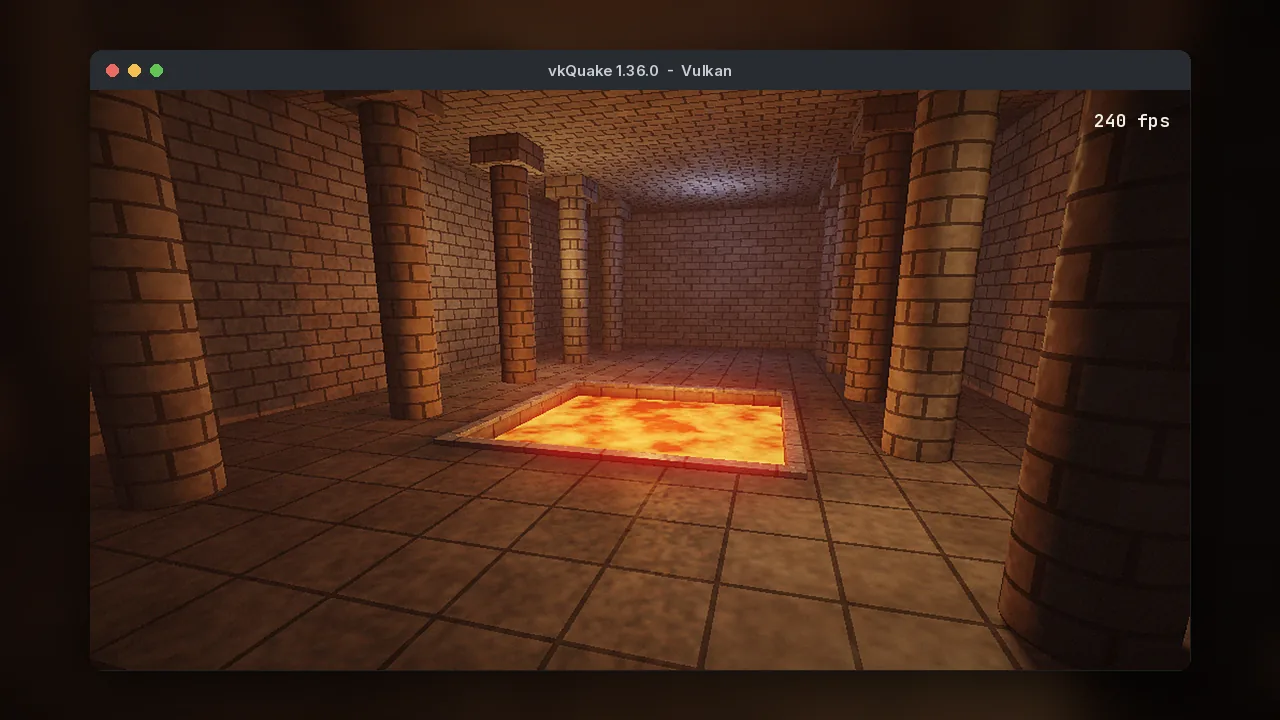
vkQuake is a source port of Quake, the 1996 first-person shooter by id Software, that replaces the game's OpenGL renderer with one written for the Vulkan graphics API. A source port is a community-made engine built from the game's released source code. It runs your existing Quake data files but adds modern features, fixes and performance.
id Software released Quake's source code under the GPL in 1999. Over the following decade it evolved through FitzQuake into QuakeSpasm, the engine most single-player players and mappers rely on. In 2016, graphics programmer Axel Gneiting (GitHub user Novum) published vkQuake, a QuakeSpasm-based port rebuilt around Vulkan. It has been developed in the open ever since, and later absorbed many improvements from QuakeSpasm-Spiked. Version 1.36.0 arrived on August 29, 2026.
vkQuake started partly as a demonstration of the Vulkan API in a real, well-known game. The README still describes how it uses render passes, pipeline barriers, compute shaders and CPU/GPU parallelism. It quickly became one of the best ways to actually play Quake, because the Vulkan renderer and multithreaded loading make even very large community maps run smoothly.
vkQuake suits anyone with a reasonably modern GPU who wants to play Quake: returning fans, players discovering the game through the 2021 re-release, mappers testing large levels and developers who want to read a compact Vulkan codebase. If your hardware lacks Vulkan support, the alternatives section lists OpenGL engines.
"For single-player Quake on a Vulkan-capable PC, vkQuake is the engine we recommend first. It keeps the feel of the original game, runs heavy modern maps better than almost anything else, and adds options such as 8-bit color emulation that let you choose how authentic you want it to look."
Mira Kowalski, graphics programmer and vkquake.com editorEverything QuakeSpasm does, plus a modern renderer and a long list of quality-of-life improvements.
Rendering and loading are spread across your CPU cores, so huge community maps that slow other engines stay smooth.
Play at 144, 240 Hz or more without the jumping and movement bugs older engines show above 72 FPS.
On RT-capable GPUs, enable dynamic shadows and the 2021 re-release dynamic lights for extra atmosphere.
Recreate the look of the 1996 software renderer with palette emulation, pixel scaling and the classic underwater warp.
Load the re-release MD5 models or Quake 3-style MD3 models, or switch back to the originals from the Models menu.
Native anti-aliasing and texture filtering give clean edges and sharp floors with almost no performance cost.
Pick any mod folder from the main menu, from Arcane Dimensions to the official expansions, with no launcher needed.
Higher internal precision reduces the banding in Quake's dark corridors and fog.
Free forever, with public code on GitHub, regular releases and builds for Windows x64, Windows ARM64 and Linux.
Quake is light, so the real requirement is a graphics card and driver with working Vulkan support.
| Component | Minimum | Recommended |
|---|---|---|
| Operating system | Windows 10 64-bit or a 64-bit Linux distribution | Windows 11 or a current Linux distribution with recent Mesa |
| CPU | Any 64-bit dual-core x64 or ARM64 processor | Quad-core or better (vkQuake's renderer is multithreaded) |
| GPU | Vulkan-capable GPU, for example GeForce GTX 600, Radeon HD 7000 or Intel HD 500 series | Any GPU from the last few years; RTX 20, Radeon RX 6000, Arc or newer for ray-traced shadows |
| RAM | 2 GB | 4 GB or more for very large community maps |
| Storage | About 15 MB for the engine plus about 50 MB for Quake's data | 1 GB or more if you collect mods and map packs |
| Internet | Only for downloading; the game plays fully offline | Needed for multiplayer and downloading community maps |
| Game data | Your own copy of Quake (Steam, GOG or Epic) providing id1/pak0.pak and pak1.pak, or the shareware pak0.pak | |
All files below link straight to the official GitHub release. Pick the build that matches your system, then follow the installation guide.
The latest stable release, published by the developer on GitHub.
Official source Every file comes straight from the developer's GitHub release, built by the project's public CI. Virus scan: for extra peace of mind, upload the file or search its SHA-256 hash on VirusTotal before running it.
SHA-256 of vkQuake-1.36.0_windows_x64.zip:
Check on Windows with certutil -hashfile vkQuake-1.36.0_windows_x64.zip SHA256, or on Linux with sha256sum.
Step-by-step instructions for every platform. On Windows and Linux, setup takes about five minutes.
Prefer a portable copy? Extract the ZIP into the folder that contains id1 and run vkQuake.exe. Full walkthrough: install vkQuake on Windows.
vkQuake runs on macOS through MoltenVK, which translates Vulkan to Metal.
OpenBSD and FreeBSD users can install vkQuake from packages. See the Linux guide for source builds and the Steam Deck.
There is no official vkQuake build for Android. The project only ships Windows and Linux binaries. To play Quake on an Android device, use a Quake port built specifically for Android, or stream the game from a PC running vkQuake with Steam Link or Moonlight.
Be careful with APKs that claim to be "vkQuake for Android". They are not published by the vkQuake developer.
There is no official vkQuake build for iPhone or iPad. Apple's platform restrictions make source ports like vkQuake impractical to distribute there. The simplest option is to stream Quake from your PC with Steam Link or Moonlight. Alternatively, the official 2021 re-release is available on consoles.
From your first level to a fully tuned setup.
Launch vkQuake and choose Single Player > New Game. You start in the hub level, where each corridor leads to a difficulty, from Easy to Hard (Nightmare is hidden). Before playing, open Options > Video, set your monitor's resolution and set Max FPS to your refresh rate. Then check Options > Controls to adjust mouse speed and key bindings.
Open the console with ~ to change any setting. Use map to load levels directly, game to switch mods, and bind to map commands to keys. Put your favourite commands in id1/autoexec.cfg so they run at every launch. Our console commands guide lists the most useful ones.
Keep the engine and the game data separate from your mods. Each mod gets its own folder next to id1. Update vkQuake by overwriting the engine files only, and back up config.cfg and your saves before major changes. Download engine updates only from the official GitHub releases.
Turn on 8-bit color emulation and a higher render scale for an authentic 1996 look. Use 4x MSAA and 16x anisotropic filtering for a crisp modern one. On a VRR monitor, cap FPS a few frames below the maximum. Try the best community maps once you've finished the original episodes.
| Key | Action | Key | Action |
|---|---|---|---|
| ~ | Open or close the console | Esc | Main menu |
| F2 / F3 | Save game / Load game menu | F4 | Options menu |
| F6 | Quick save | F9 | Quick load |
| Tab | Scoreboard, or auto-complete in the console | F10 | Quit |
| Alt + Enter | Toggle fullscreen and windowed | 1 to 8 | Select weapon |
What happens between double-clicking vkQuake.exe and your first frame.
vkQuake locates id1/pak0.pak and pak1.pak, either in its own folder, via -basedir or through installer detection.
Maps, textures and models are loaded on several CPU threads to cut loading time.
Quake's original game code runs at its intended rate, separately from rendering, so physics stay correct.
Command buffers are recorded in parallel, then the GPU draws the frame with MSAA, filtering and optional ray-traced shadows.
The finished image is shown at your chosen frame cap, with V-Sync or VRR to control tearing.
Where vkQuake runs and what it works with.
| Category | Supported | Notes |
|---|---|---|
| Operating systems | Windows 10/11 (x64, ARM64), Linux x86_64 | Official binaries on GitHub; packages on OpenBSD and FreeBSD |
| macOS | Apple Silicon and Intel | Builds from Mac Source Ports, running through MoltenVK |
| Android / iOS | Not supported | No official mobile builds |
| Browsers | Not applicable | vkQuake is a desktop application; this website works in all modern browsers |
| Devices | Desktops, laptops, Steam Deck and other handheld PCs | Requires a GPU with Vulkan drivers |
| Graphics APIs | Vulkan | Hardware ray tracing used when available |
| Game content | Quake (1996), 2021 re-release, Scourge of Armagon, Dissolution of Eternity, Dimension of the Past, Dimension of the Machine | Some later KEX-only additions may not load |
| Mod support | All QuakeSpasm-compatible mods, BSP2, custom HUDs, scriptable particles | Arcane Dimensions, Alkaline, Copper and more |
| Integrations | Steam, GOG and Epic install detection; SDL controller support | Detection is handled by the Windows installer |
An honest look at where vkQuake shines and where another engine may suit you better.
The same engine serves very different people.
Learn real-world Vulkan techniques from a compact codebase: render passes, synchronisation, compute shaders and memory pooling.
Replay Quake and its expansions at high refresh rates, or explore decades of community maps with modern performance.
Study a mature C engine, build it with Meson, and contribute fixes or features on GitHub.
Use a free, GPL-licensed engine as a base for retro-style projects, or as a lightweight Vulkan driver test on new hardware.
Use a deterministic, well-understood game engine for graphics, performance and preservation research.
Record smooth 240 FPS footage, switch between classic and modern looks, and showcase new maps for an audience.
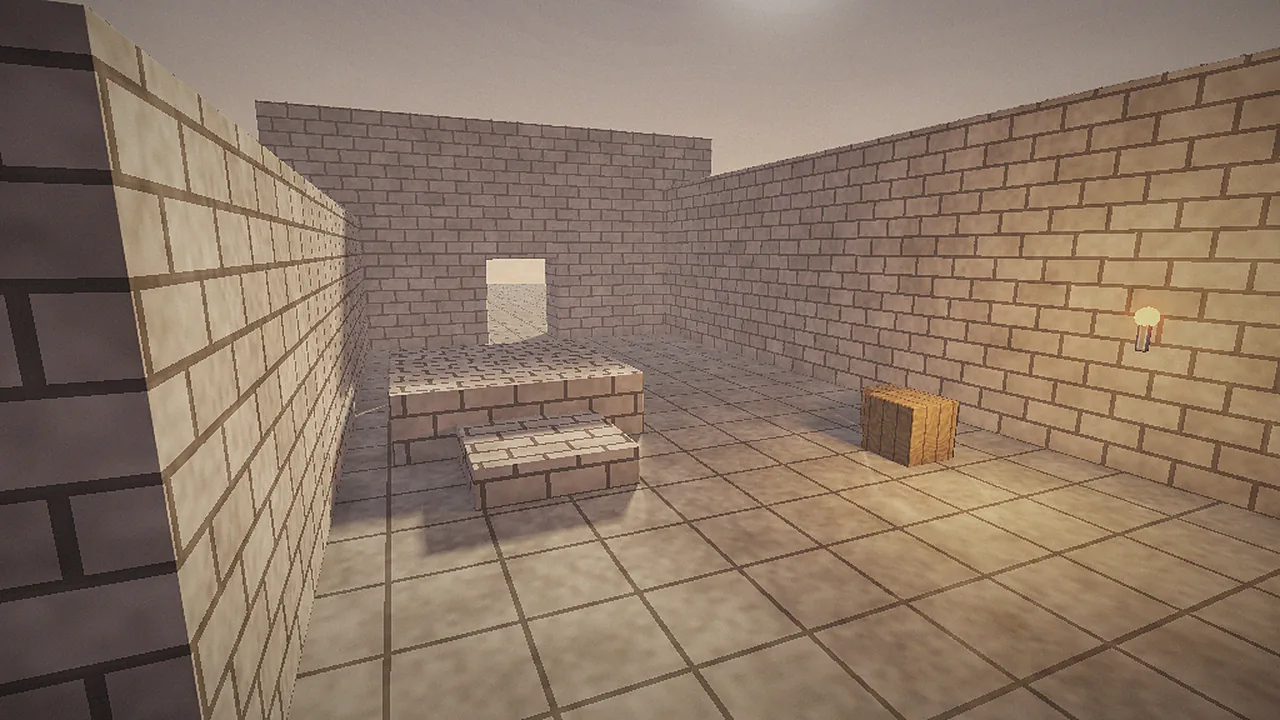
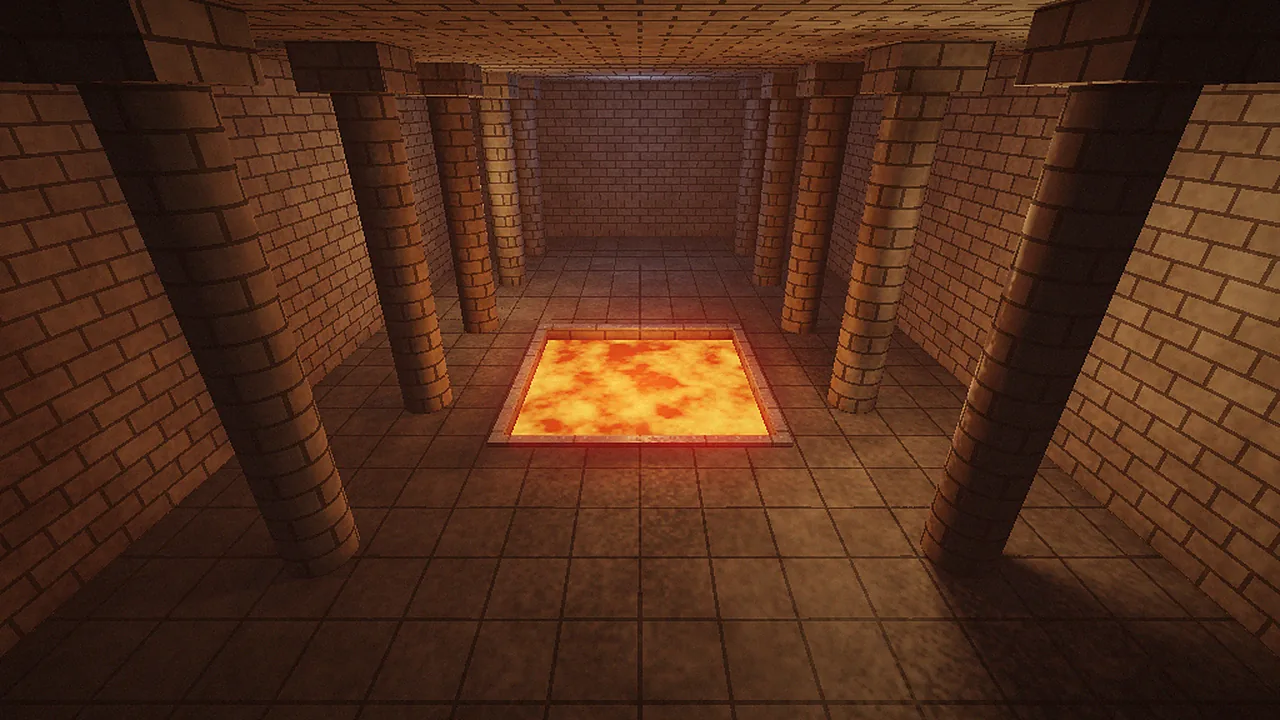
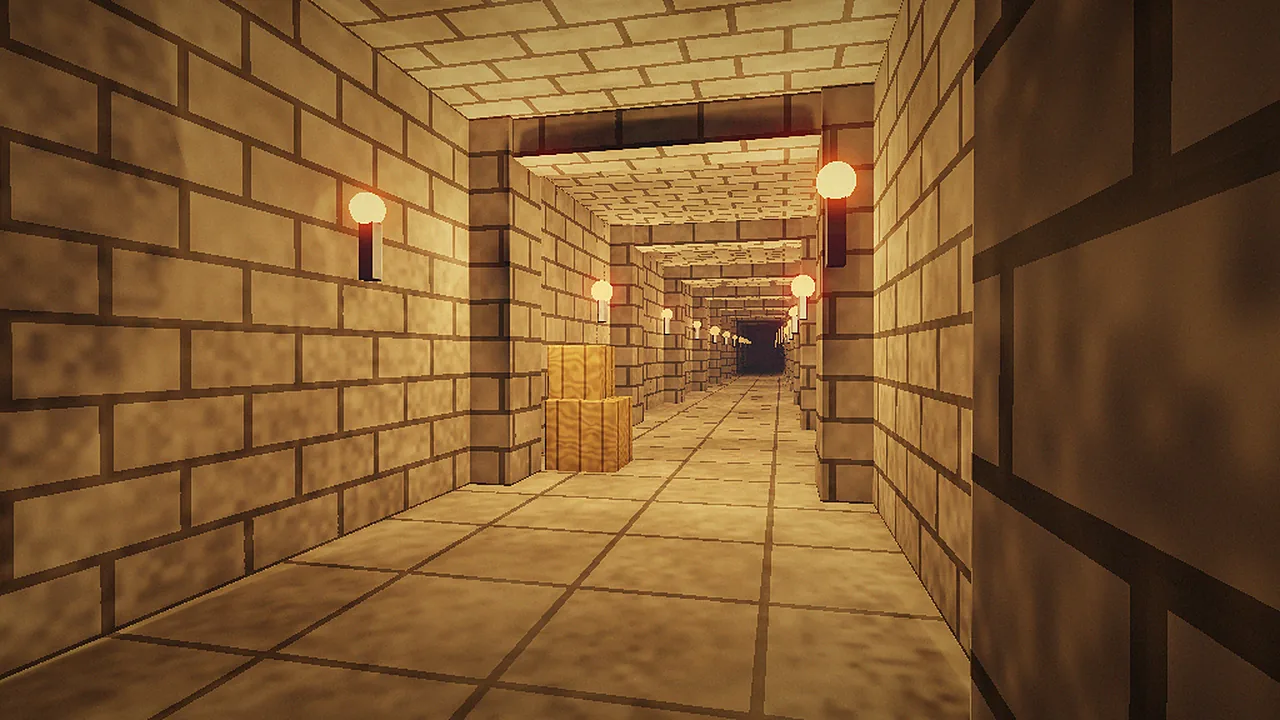
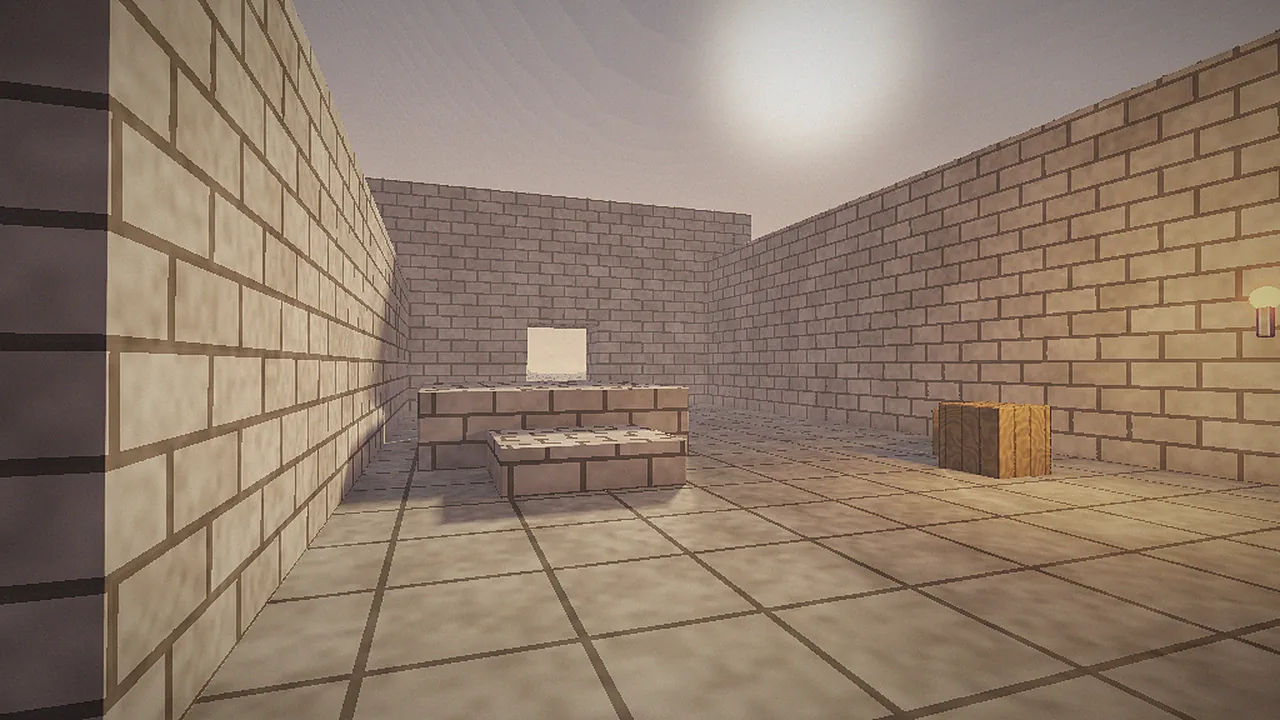
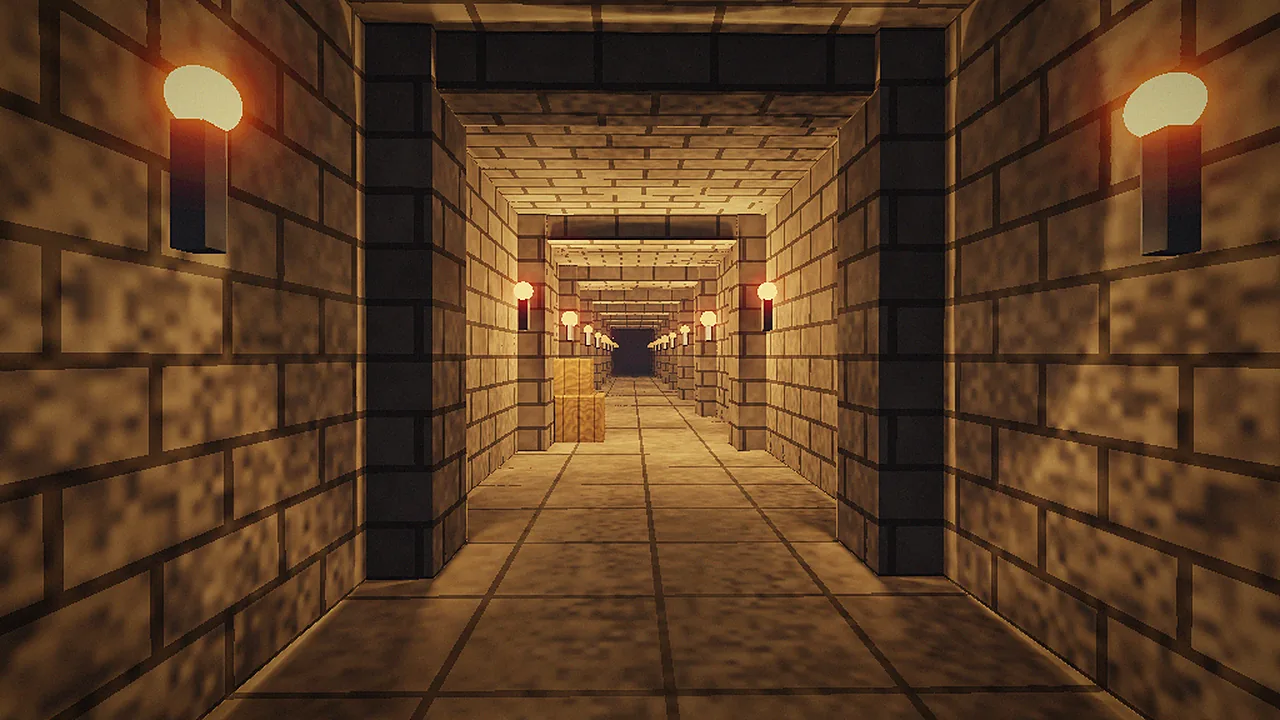
Example scenes and menus showing vkQuake's lighting, effects and interface.
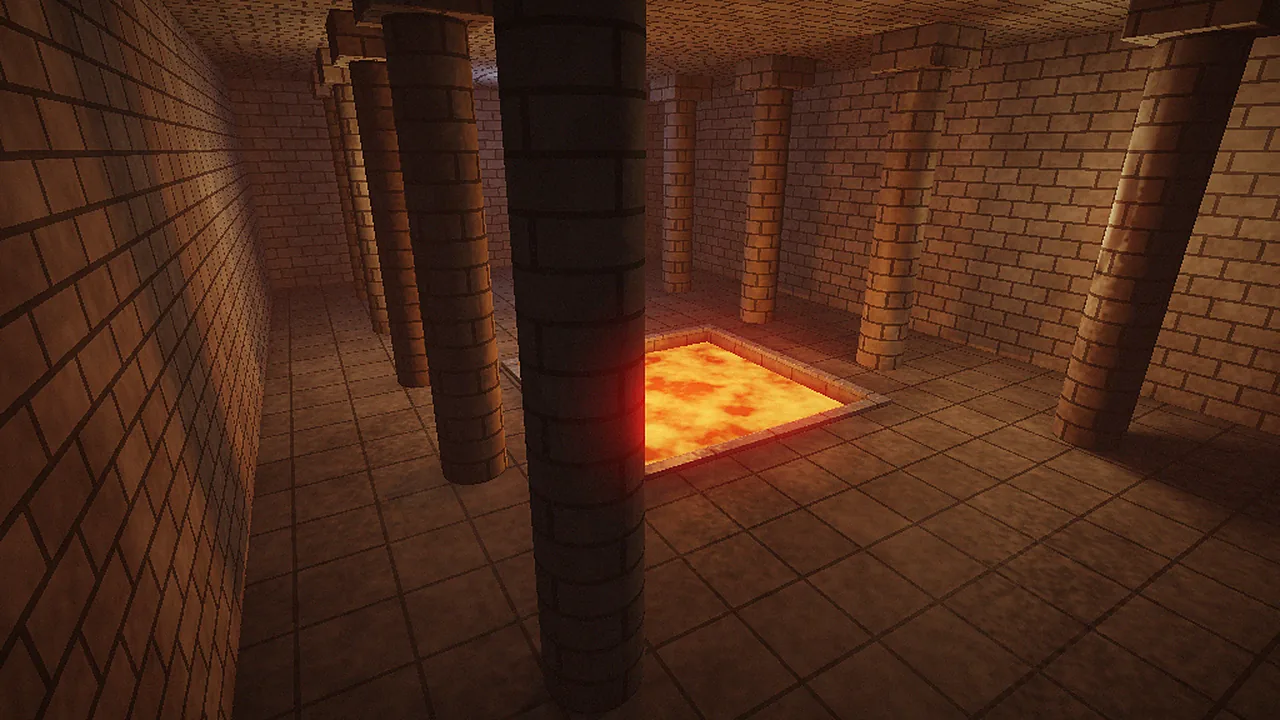
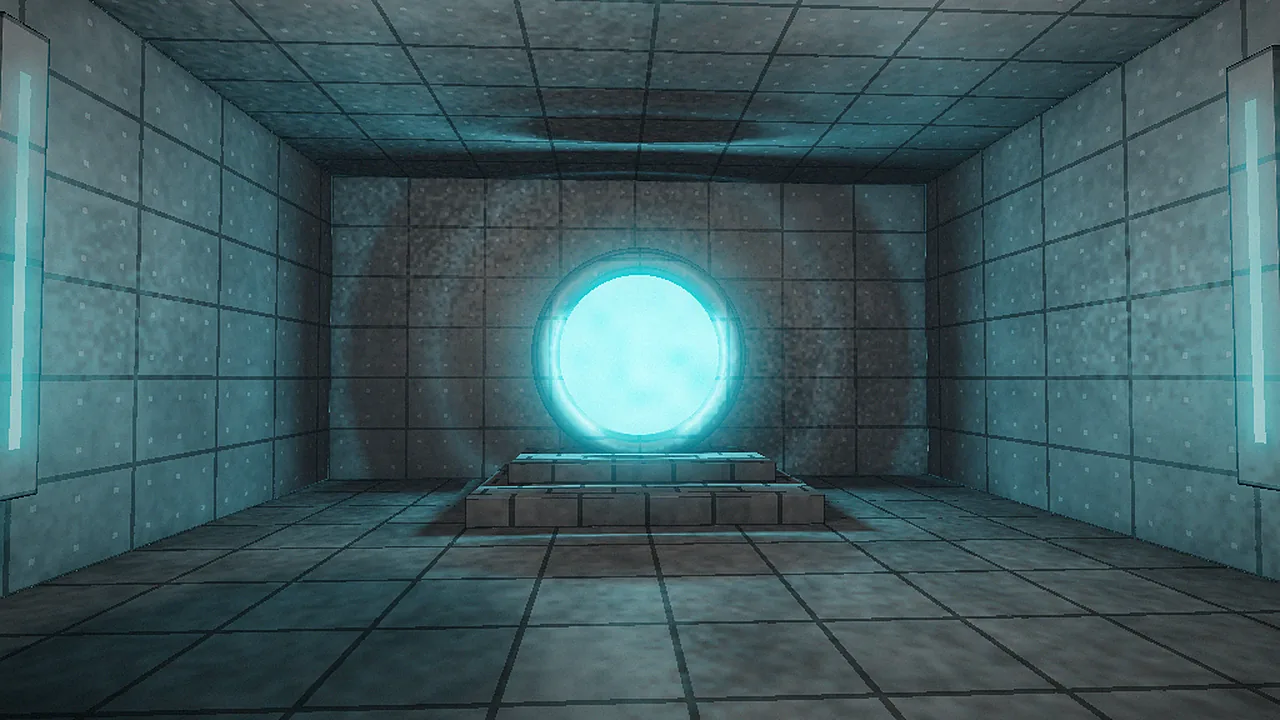
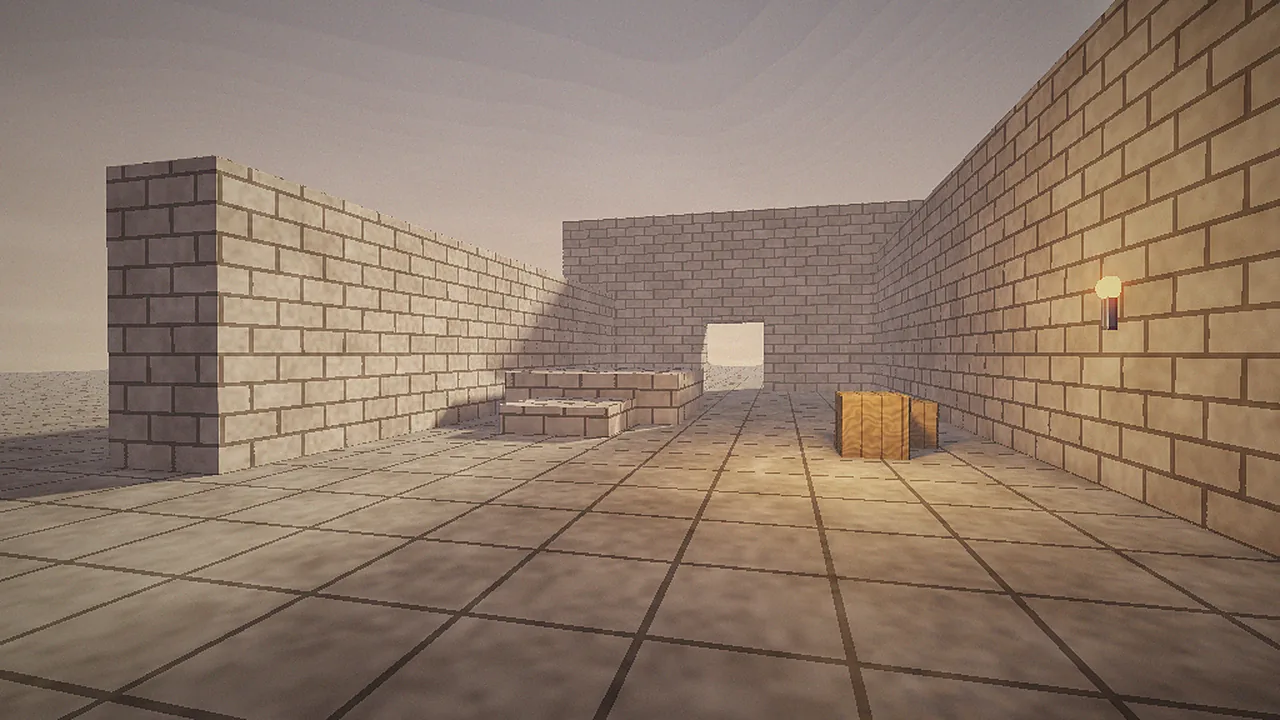
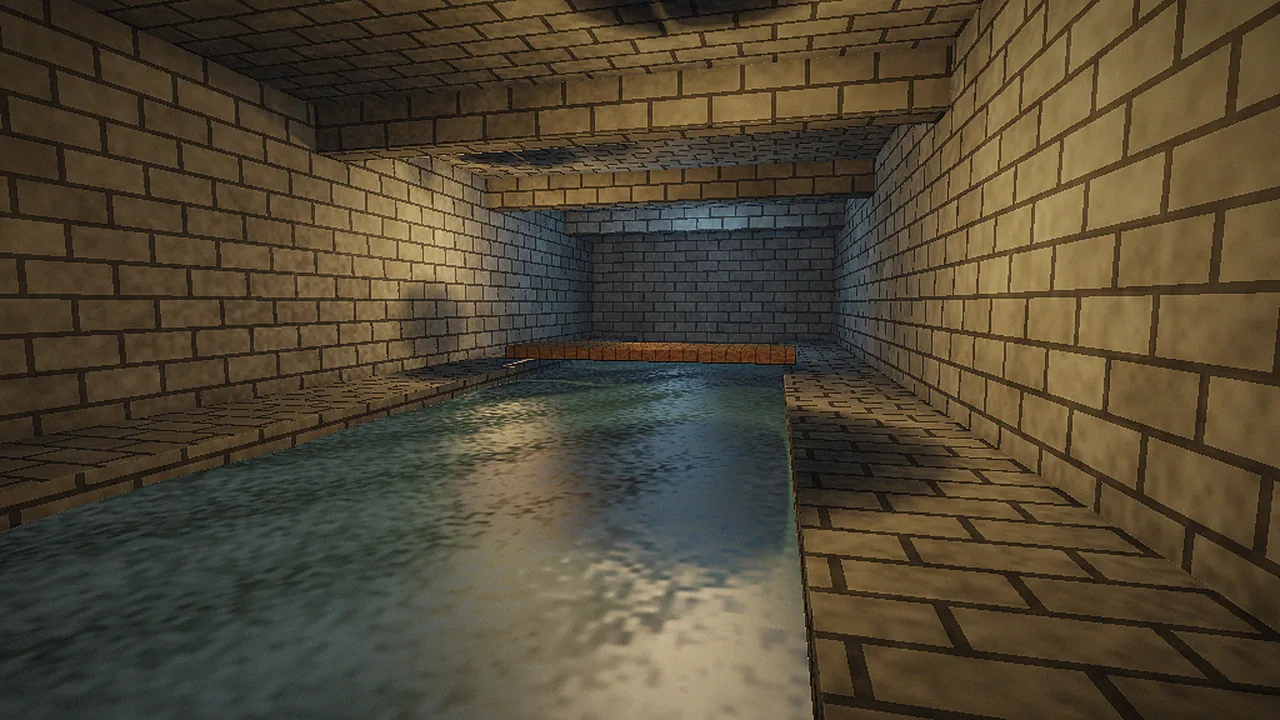
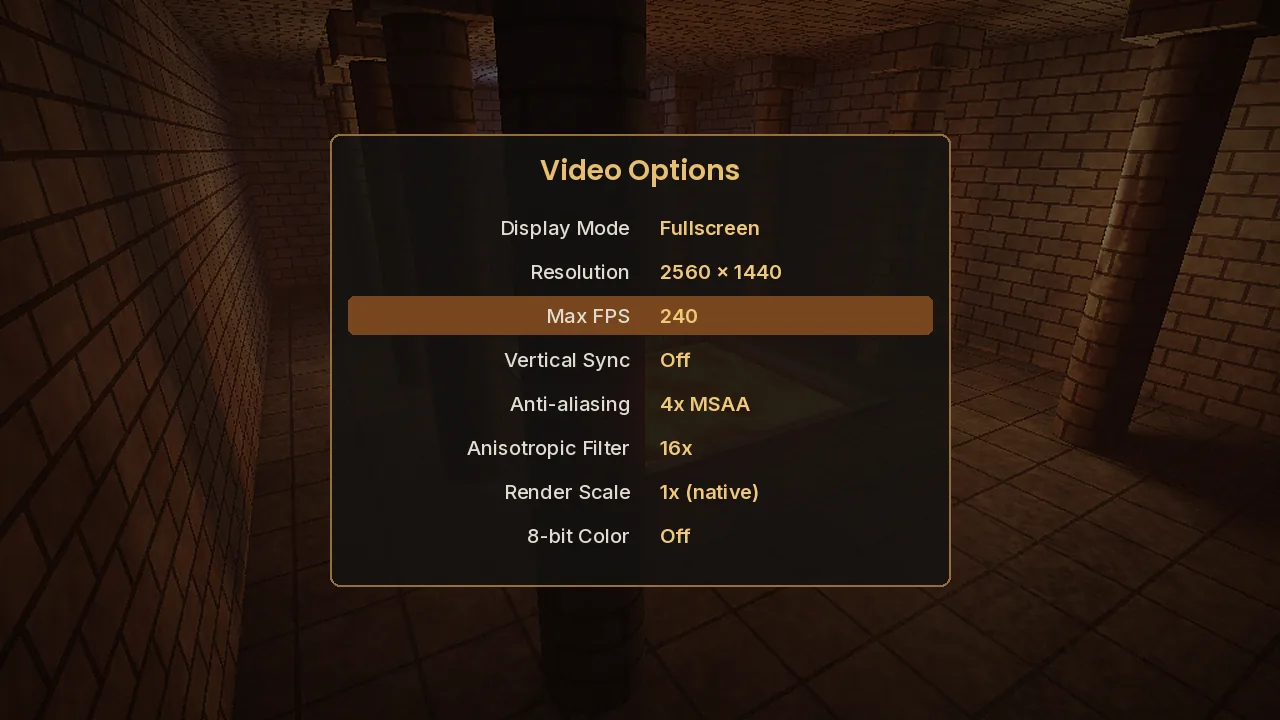
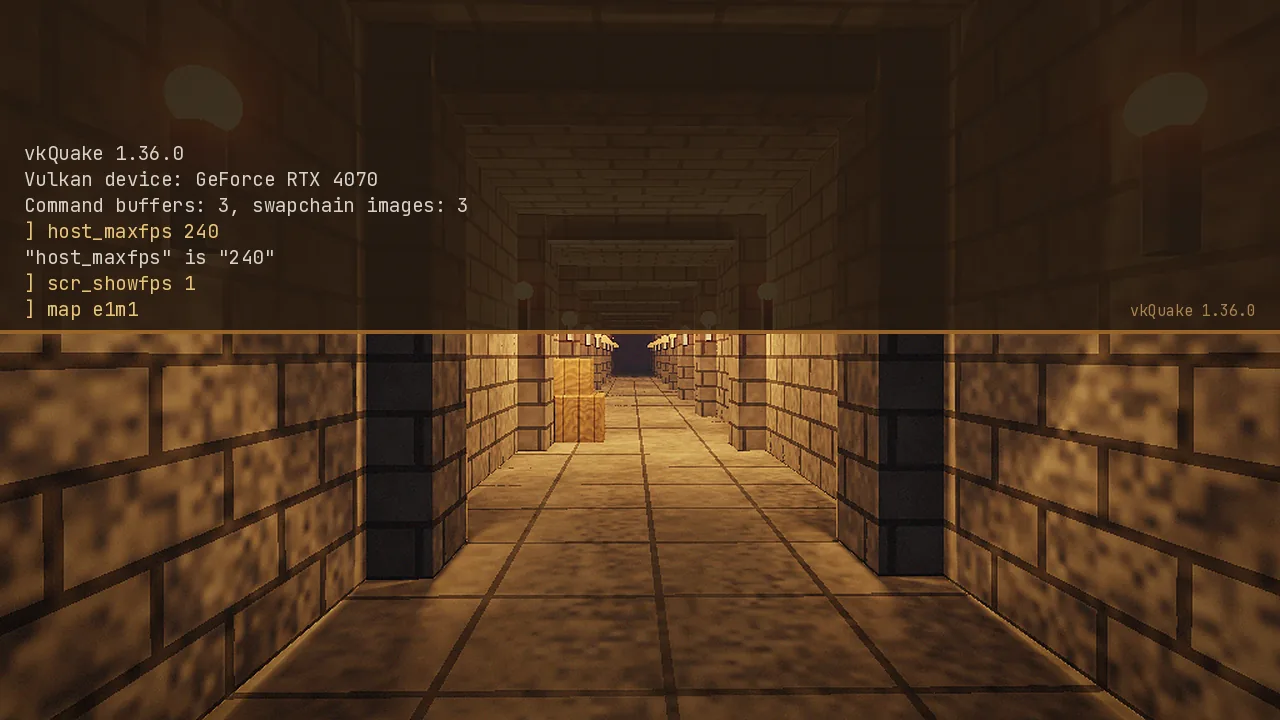
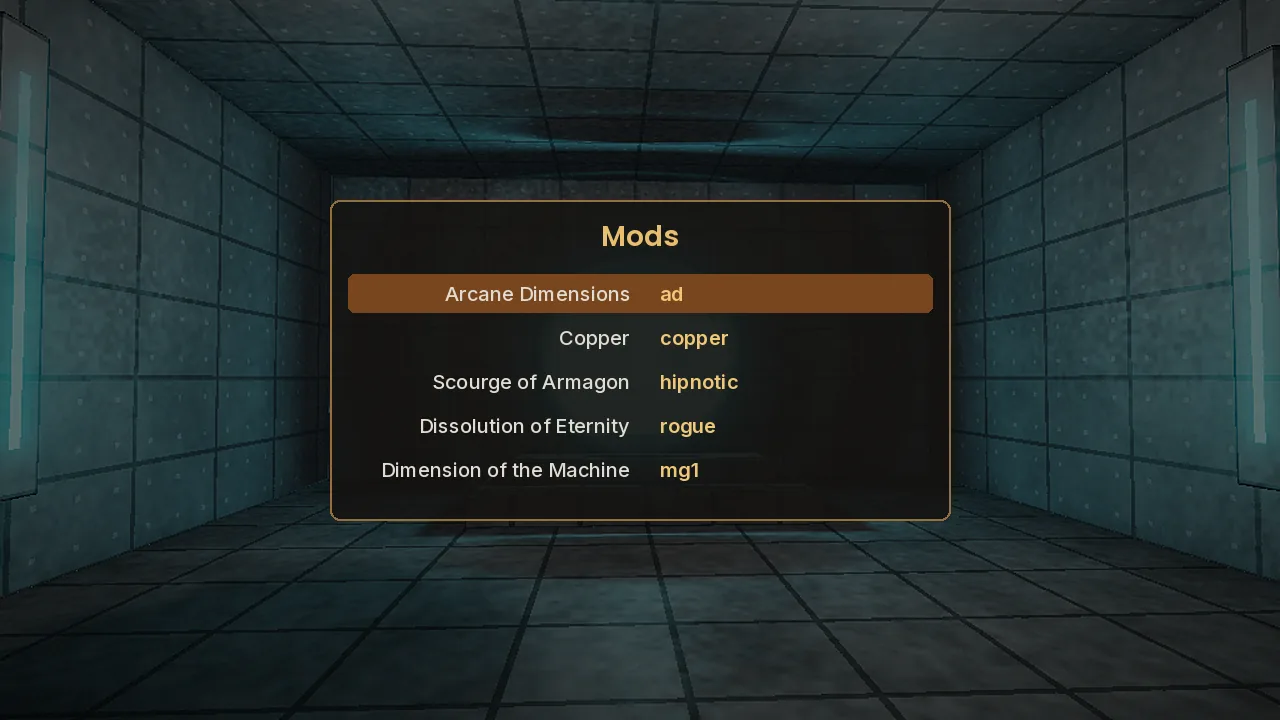
The common problems and their fixes. For detailed walkthroughs, read the full troubleshooting guide.
| Problem | Likely cause | Fix |
|---|---|---|
| "Couldn't load gfx.wad" | Game data not found | Run vkQuake from the folder containing id1, or use -basedir. Use lowercase names on Linux. |
| No Vulkan device / instance error | Old driver or wrong GPU selected | Update your GPU driver; select the high-performance GPU on dual-GPU laptops. |
| Crash on launch | Bad config or conflicting overlay | Delete config.cfg, disable overlays and injectors, then test without mods. |
| No music in the classic game | Soundtrack files missing | Place track02.ogg and the other tracks in id1/music, or play the 2021 re-release. |
| Stutter or tearing | Uncapped or mismatched frame rate | Set host_maxfps to your refresh rate; use V-Sync or VRR. |
| Mod loads as vanilla Quake | Mod extracted one folder too deep | Move the mod so its files sit directly in Quake/modname. |
Some content added to the 2021 re-release after launch relies on features unique to Nightdive's KEX engine and may not load. Online play with KEX players is not supported. Ray-traced shadows are unavailable on GPUs without hardware RT. Mac builds follow their own release schedule.
Cap the frame rate at your refresh rate instead of leaving it unlimited. Keep dynamic shadows off on high-refresh setups. Use 2x MSAA rather than 8x on older GPUs. Make sure laptops run on mains power with the discrete GPU selected. See the settings guide.
What vkQuake does, and doesn't do, on your computer.
Yes, when downloaded from the official GitHub release. The source is public, builds are produced by the project's CI, and we publish the SHA-256 hash so you can verify your file.
vkQuake has no accounts, telemetry, analytics or ads. It works completely offline and sends nothing anywhere unless you join or host a multiplayer game.
It reads your Quake folder and writes config, saves and screenshots to that folder or to %APPDATA%\vkQuake. Your firewall may ask about network access only for multiplayer.
None. Crash information is shown locally in a dialog or the console, and you decide whether to share it in a bug report. This website's practices are in our privacy policy.
Open-source code anyone can audit, reproducible public builds, signed Git history on GitHub and a portable option that needs no administrator rights.
Don't download "vkQuake" from APK sites or file mirrors offering bundled installers. Use our links to GitHub, or the Mac Source Ports page for macOS.
Other ways to play Quake today. Ratings are our editorial scores for single-player use. For a deeper look, read vkQuake vs QuakeSpasm vs Ironwail.
| Software | Price | License | OS support | Features | Rating | Pros | Cons |
|---|---|---|---|---|---|---|---|
| vkQuake | Free | GPL-2.0 | Windows, Linux, macOS* | Vulkan, multithreaded, RT shadows, 8-bit emulation | 4.8 | Fastest on big maps, most features | Needs Vulkan |
| Ironwail | Free | GPL-2.0 | Windows, Linux, macOS* | Modern OpenGL renderer, mods menu, software emulation | 4.7 | Very fast, works without Vulkan | No ray-traced effects |
| QuakeSpasm | Free | GPL-2.0 | Windows, Linux, macOS | Classic OpenGL reference engine | 4.4 | Stable reference for mappers | Slower on heavy maps |
| FTEQW | Free | GPL-2.0 | Windows, Linux, Web, Android | Highly extensible, networking, CSQC | 4.2 | Huge feature set, multiplayer | Complex settings |
| DarkPlaces | Free | GPL-2.0 | Windows, Linux, macOS | Real-time lighting, effects | 3.9 | Striking visuals | Less faithful, slower updates |
| Quake (2021, KEX) | Paid | Proprietary | Windows, consoles | Official remaster, online play | 4.6 | Official content, crossplay | Fewer engine options |
*Mac builds provided by Mac Source Ports.
Average 4.7 out of 5 from 6 reader reviews.
I used QuakeSpasm for years, and the big Arcane Dimensions maps always dipped. With vkQuake they stay locked at my 165 Hz cap. The installer found my Steam copy on its own, and it took two minutes from download to playing.
✓ Verified readerI came for the game and stayed for the code. The renderer is a readable, real-world example of render passes, barriers and compute shaders. Being able to build it with Meson on my laptop made it easy to experiment.
✓ Verified readerThe AppImage works in desktop mode, and once added to Steam it launches fine in Game Mode. Controls work through SDL with no fiddling. I knocked a star off only because setting the base directory the first time took some trial and error.
✓ Verified readerI test my maps in QuakeSpasm and vkQuake. For large, detailed areas vkQuake shows far better frame times, and the mods menu makes switching between test builds quick. The console output when something breaks is clear.
✓ Verified readerThe 8-bit color emulation plus pixel scaling is spot on, and my viewers can't believe how smooth it is at 240 FPS. The 2021 re-release content runs well too, including the enhanced models.
✓ Verified readerI like that the portable ZIP needs no installer and that builds come straight from GitHub, so I can check hashes. On an older laptop with an integrated GPU, dynamic shadows are not an option, but everything else runs well.
✓ Verified readerAnswers to the questions we get most often about downloading, installing and running vkQuake.
Yes. vkQuake is free and open-source software released under the GNU General Public License v2. There is no paid version, no subscription and no in-game advertising. You only need your own copy of Quake for the game data, which you can buy from Steam, GOG or the Epic Games Store. The engine itself costs nothing and always will.
Every download button on this site links directly to the official release page of the Novum/vkQuake repository on GitHub, where the developer publishes each version. We do not re-host, repackage or modify the files. That means you always get the original build, and you can check the release notes and source code on the same page.
The official builds are compiled from public source code by the project's automated build pipeline on GitHub. Windows SmartScreen may warn about the installer because it is not signed by a large publisher, which is normal for open-source games. Download only from the official release and compare the SHA-256 hash we publish if you want extra assurance.
No. vkQuake is only the engine. Quake's levels, monsters, sounds and music are copyrighted and come from your copy of the game: the pak0.pak and pak1.pak files in its id1 folder. Owners of Quake on Steam, GOG or Epic also have the 2021 re-release, which vkQuake can play.
The engine is licensed under GPL-2.0, so you may study, modify and redistribute it, including in commercial projects, as long as you share your source code under the same license. The Quake game data is not covered by the GPL and remains the property of id Software and ZeniMax, so you cannot redistribute it.
No. vkQuake is an offline game engine with no accounts, telemetry or analytics. It reads your game files and writes settings, saves and screenshots to your PC. The only network activity happens if you deliberately join or host a multiplayer game. This website's own data practices are explained in our privacy policy.
With the Windows installer, download the newest installer and run it over the existing install. Your saves and config in %APPDATA%\vkQuake are kept. With the portable ZIP, extract the new files into your Quake folder and overwrite the old ones. On Linux, replace the old AppImage with the new one. Settings carry over in every case.
Most Windows users should choose the x64 installer. Pick the x64 ZIP if you want a portable copy, or the ARM64 ZIP for Snapdragon and other Arm-based Windows laptops. Linux users should take the x86_64 AppImage. Mac users can get builds for Apple Silicon and Intel from Mac Source Ports, which the vkQuake README links to.
You need 64-bit Windows 10 or 11, or a 64-bit Linux system, and a GPU with working Vulkan drivers. In practice, most NVIDIA, AMD and Intel graphics from roughly 2013 onward qualify. Around 4 GB of RAM and 100 MB of storage are plenty. Ray-traced dynamic shadows require a GPU with hardware ray tracing.
Put them in your Quake base folder, the one that contains the id1 folder, not inside id1 itself. On Steam this is usually steamapps/common/Quake. For the 2021 re-release, use the rerelease subfolder instead. The Windows installer finds Steam, GOG and Epic installs automatically, so you only need to do this with the portable ZIP.
This error means vkQuake cannot find the game data. Check that id1/pak0.pak exists and that vkQuake starts from the folder containing id1, or launch it with -basedir followed by that folder. On Linux, also make sure the folder and files use lowercase names. Our troubleshooting guide covers the fix step by step.
Update your graphics driver directly from NVIDIA, AMD or Intel, since older drivers may lack Vulkan support. On laptops with two GPUs, assign vkQuake to the high-performance GPU in Windows Graphics Settings. Very old GPUs that predate Vulkan cannot run vkQuake; an OpenGL engine such as QuakeSpasm or Ironwail is the better choice there.
There is no official vkQuake build for Android or iOS. The project ships Windows and Linux binaries, and Mac builds come from Mac Source Ports. On phones and tablets, look for Quake ports made specifically for mobile, or stream the game from a PC. Handheld PCs such as the Steam Deck run the Linux AppImage well.
Yes. vkQuake runs any mod or map that works in QuakeSpasm, including Arcane Dimensions, Alkaline and Copper. Put the mod folder next to id1, then choose it from the Mods menu or launch with -game and the folder name. Single maps go into id1/maps and load with the map console command.
All three share the QuakeSpasm codebase and run the same mods. vkQuake uses Vulkan with a multithreaded renderer and has the most extra features, such as 8-bit emulation and ray-traced shadows. Ironwail is a very fast OpenGL fork, and QuakeSpasm is the conservative reference engine. Our comparison article explains which suits whom.
Yes, vkQuake supports the classic Quake network protocols for LAN and community servers, so you can host or join games the way you did in the past. It cannot connect to the official 2021 re-release online services, which use Nightdive's own networking. For co-op with friends, start a listen server from the Multiplayer menu.
Step-by-step tutorials, comparisons and fixes from our editors. See all guides.
The installer or the portable ZIP? Here is how each route works on Windows, where your Quake files need to be, and what to check on first launch.
The official AppImage runs on almost any modern distribution. Here is how to use it, when a package or source build makes more sense, and how to avoid the lowercase trap.
vkQuake can push hundreds of frames per second without breaking Quake’s physics. These are the settings that matter and the ones you can leave alone.
All three ports play classic Quake beautifully. The differences are in the renderer, performance on huge maps and how far each one goes beyond the original.
Thousands of fan-made Quake levels are still being released. Here is where to put them, how vkQuake’s Mods menu loads them and which ones to try first.
The console is where vkQuake really opens up. These are the commands and variables worth learning, grouped by what you want to do.
Questions about this website, a broken link or a correction? Email us and we'll reply within two business days. For bugs in vkQuake itself, please use the issue tracker on the official GitHub repository so the developers see it.